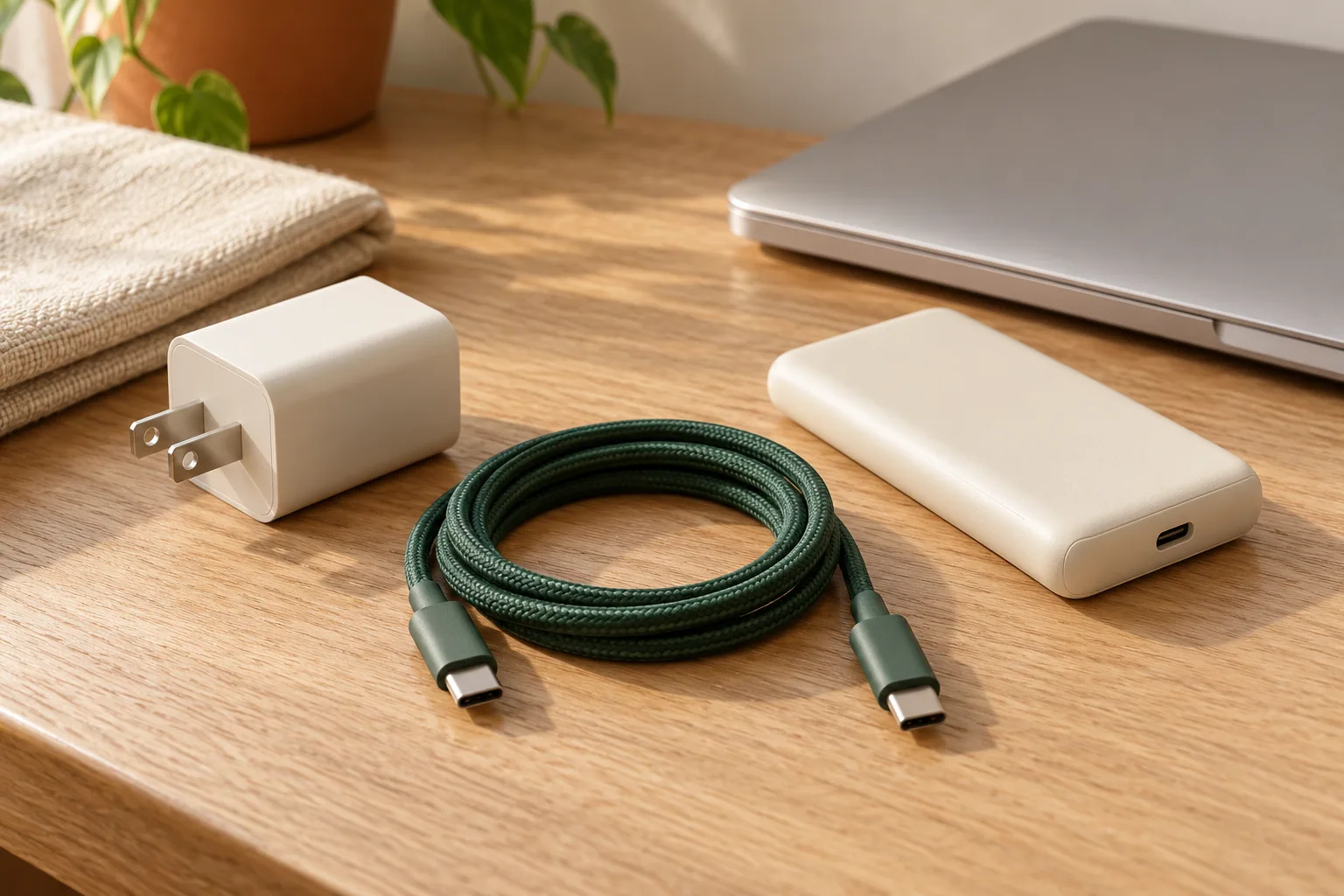
Two cables can share a USB-C connector while serving different jobs. A tidy charging kit starts with what each device needs, not a drawer of adapters that happen to fit. This research-based guide explains the checks to make when choosing a charger and cable, without recommending a particular product.
The short version
- Start with the device manufacturer's charging requirements.
- Check individual port output and the cable's power capability.
- Verify data and display support separately from charging.
Begin with a device list
Write down the exact devices you expect to charge together. For each, find the manufacturer's recommended adapter, supported charging standard, and cable requirements. Keep the source link beside the note. A phone, a laptop, and a small accessory may have very different requirements even when all three have similar-looking sockets.
USB-C describes the connector; USB Power Delivery is a power-delivery specification. A matching plug does not by itself confirm a device's fast-charging behavior. Look for explicit compatibility information rather than assuming that a larger number on a charger solves every charging problem. If a device uses an additional charging requirement, confirm that requirement in its own documentation.
Read power at the port you will use
With compatible USB Power Delivery equipment, power is managed between the connected devices. USB-IF describes the standard as allowing equipment to obtain the power it requires. The adapter's headline rating is therefore a capability, not a promise that every attached device will receive that amount or charge at that speed.
For a multiport charger, find the output table for both single-device and simultaneous use. Ask which port the laptop needs and what changes when a second device is connected. Compare the arrangement you will actually use, including any dock or hub, with the device manufacturer's requirements. Apple, for example, recommends sufficient adapter wattage for the best charging experience on compatible USB-PD Mac laptops; that is device-specific guidance, not a rule for every USB-C product.
Give the cable its own specification
Treat power, data transfer, and display support as separate entries on your checklist. A cable suitable for routine charging is not automatically the right choice for a high-speed storage drive or a monitor. Match the complete connection, including the computer port and any hub, rather than buying on the connector alone.
USB-IF's certification program uses power markings such as 60W and 240W on USB-C-to-USB-C cables, with data-rate marking requirements for relevant categories. Those markings describe defined capabilities; a power rating is not a data-speed rating. Prefer clear specifications and traceable compliance information over an unexplained claim of being universal. Keep packaging or a short label so similar cables do not become indistinguishable later.
Build a kit you can troubleshoot
Choose a practical cable length and inspect the route between socket and device. Leave enough slack to avoid pulling a connector sideways. Follow ventilation and placement instructions for the actual charger. Retire damaged equipment rather than concealing a split cable with tape and continuing to use it.
When charging disappoints, return to the documented combination. Check the correct port, cable rating, and multiport allocation before buying another adapter. Change one item at a time and use the device's charging indicator or documented power information to assess the result. A basic checklist is more useful than collecting ever-higher advertised wattages without knowing where the mismatch occurs.
Your next-step checklist
- Save the exact device's charging requirements.
- Read the charger's per-port and simultaneous-use output table.
- Match cable power, data, and display capabilities separately.
- Inspect cable condition and follow placement instructions.
- Label the combinations that meet your needs.
Sources & further reading
Reference material used for this research guide. Requirements and product documentation can change; check the relevant source before acting.
This is a research-based guide, not a hands-on product review. It contains no affiliate shopping links. Read our editorial approach.