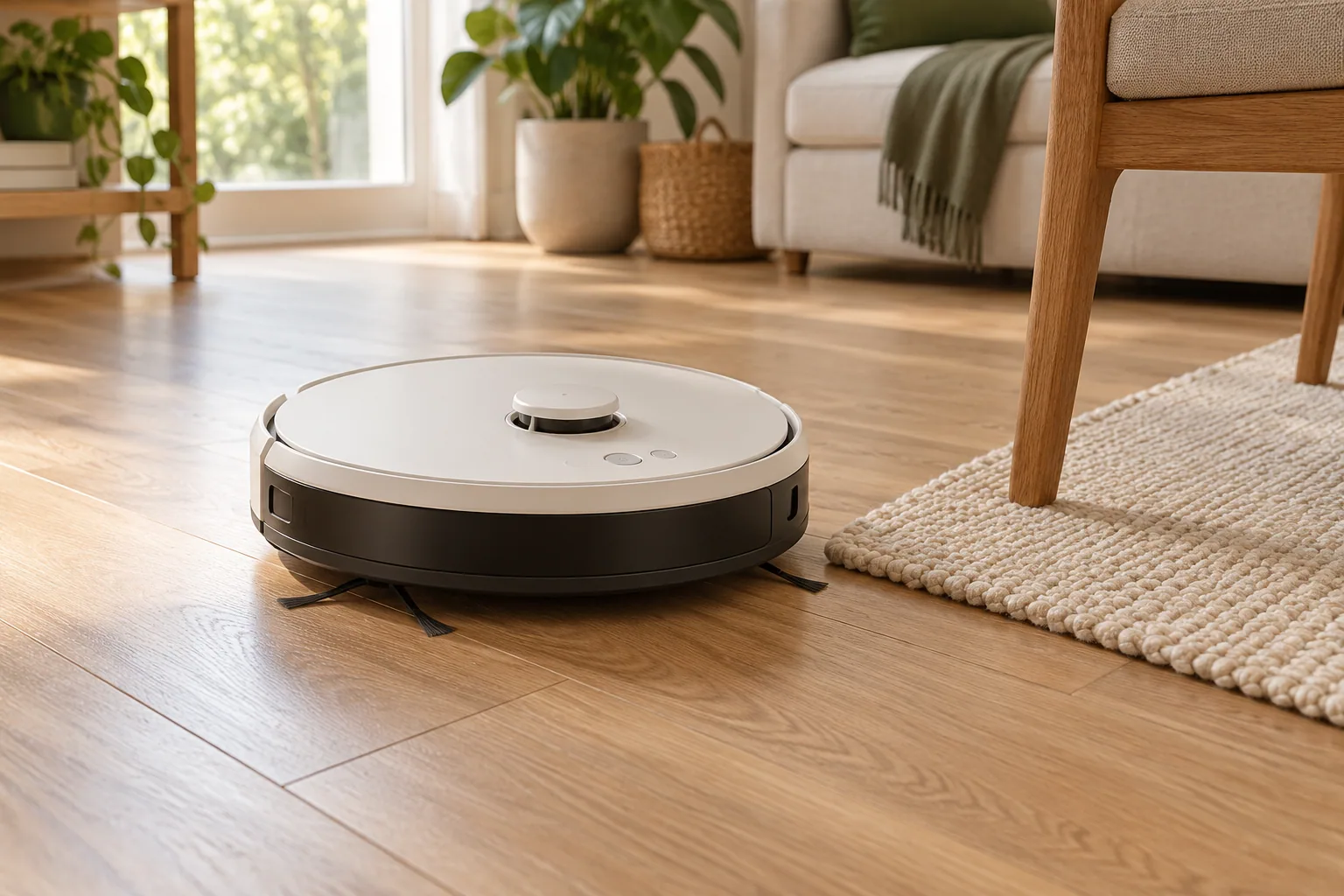
A robot vacuum is a system that has to live in your home: the machine, its dock, its consumables, and the floor preparation around it. This research-based buying guide does not rank models. It helps you turn your rooms and routines into a short, checkable requirements list before comparing specifications.
The short version
- Measure access and dock space before comparing advertised cleaning features.
- Ask which maintenance jobs remain after automation.
- Treat mapping, obstacle avoidance, and floor compatibility as model-specific claims.
Make an obstacle inventory
Walk through the home at floor level. Note low furniture, narrow chair arrangements, loose cables, rug edges, raised transitions, and areas you do not want cleaned. Measure the tightest clearances instead of estimating them from a room photograph. Check the exact model's dimensions and documented limits against that inventory.
Floor preparation still matters. iRobot's preparation guidance calls for clearing cords, small toys, and loose objects; keep-out controls are available only on supported models. Turn that into a household question: will someone reliably clear the floor before a scheduled run? If the answer is no, investigate the limitations of the exact obstacle features rather than treating their name as a guarantee.
Match cleaning tasks to surfaces
Separate your needs into hard floors, rugs, edges, and recurring debris. Then identify the difficult combinations: long hair around brush ends, lightweight mats, or a rug next to a mopping area. Ask how the candidate model handles each situation and where that behavior is documented in its manual.
A suction figure alone cannot answer those questions. For a combination machine, also check the permitted floor types, carpet behavior, cleaning solution instructions, and which parts require manual washing. A machine that suits an open hard-floor room may be inconvenient in a room full of delicate rugs. Do not assume a feature available on one version carries across an entire range.
Give the dock a real address
Mark a possible dock location and read the model's clearance requirements. Include the space to lift a lid, remove a bag, carry water tanks, and reach the power socket. A large service dock may reduce one chore while using the only practical corner in a small room.
Think about the route to that location during a normal day. A drying rack, an open cupboard door, or shoes near the entrance can change access. If several floors are involved, establish what moving the robot and managing maps actually requires. Avoid planning around a capability that appears only in promotional imagery.
Price the routine, not just the machine
List the parts you will need to clean or replace and check their availability for the exact model in your region. Manufacturer care instructions are useful here: iRobot's maintenance material identifies filters, brushes, and the vacuum path as places that need attention. Automatic emptying does not establish that these other tasks disappear.
Finally, review app requirements, supported connectivity, account controls, map deletion, and available support documentation. These are questions to verify, not features every robot necessarily provides. Before the return period ends, observe a supervised run around your real obstacles and assess pickup, access, and the work left afterward. Do not disable safety sensors to make a route succeed.
Your next-step checklist
- Record furniture clearances and problem transitions.
- Read the exact floor, rug, and mopping restrictions.
- Measure dock access, including tanks and lids.
- Find the care schedule and replacement-part information.
- Check app, privacy, support, and return requirements before purchase.
Sources & further reading
Reference material used for this research guide. Requirements and product documentation can change; check the relevant source before acting.
This is a research-based guide, not a hands-on product review. It contains no affiliate shopping links. Read our editorial approach.